Photoshop Skills
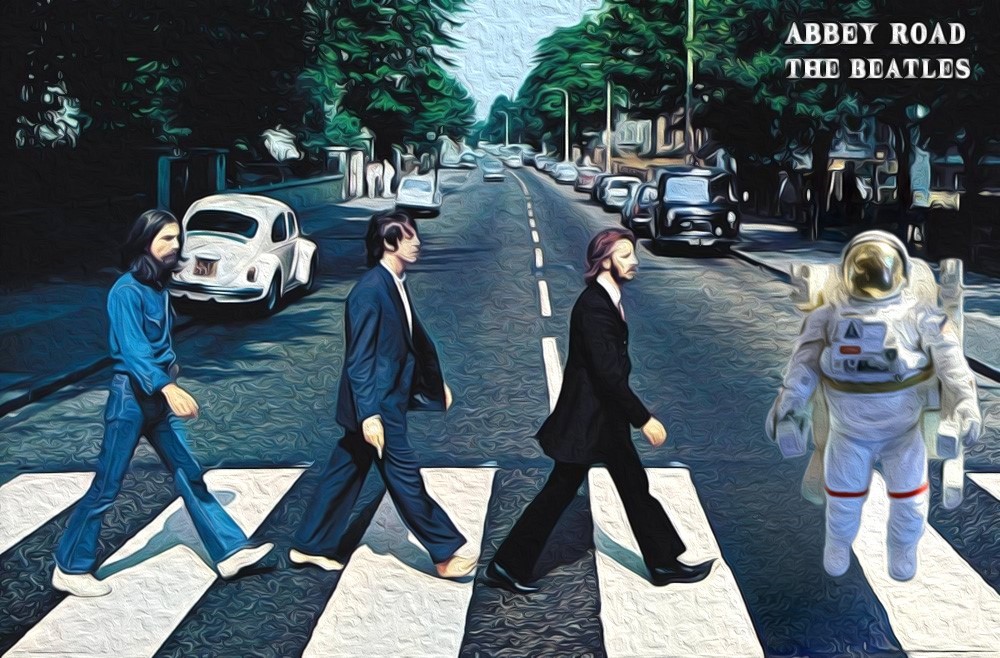
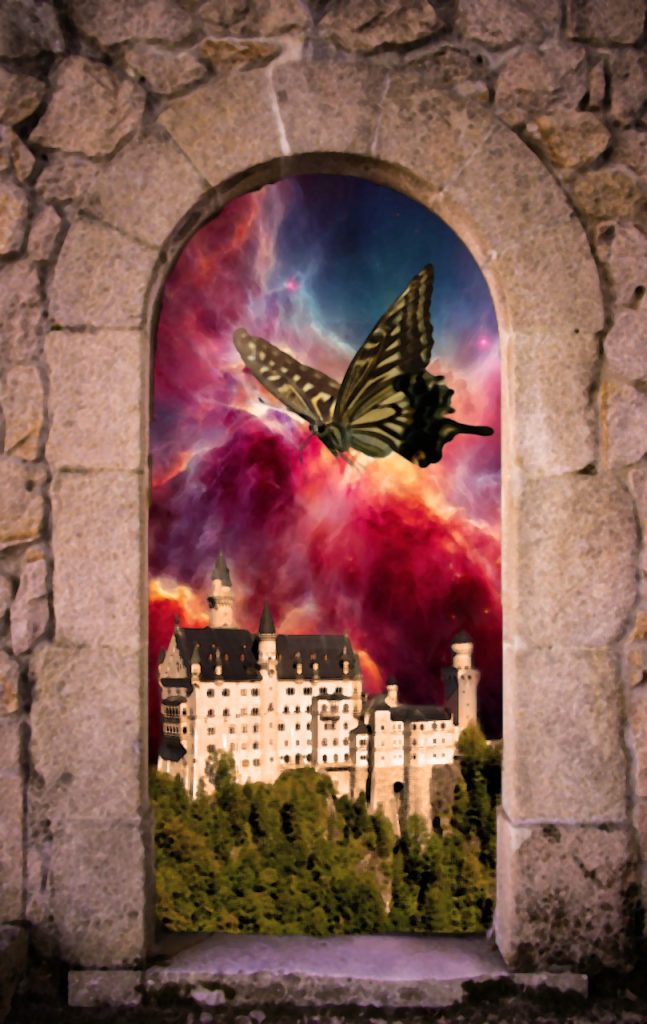
Throughout this learning module, we explored essential skills for working with layers in graphic design software. We began by understanding how layers function and their role in organising design elements. We then learned how to select the correct layer to edit specific parts of a composition, rearrange layers to change visual stacking order, and control layer visibility and opacity to refine the overall design.
Additionally, we practiced resizing and transforming layers to fit design needs, as well as creating and deleting layers to manage our workspace efficiently. These skills were put into practice through a hands-on challenge where we designed a mood board collage, allowing us to apply everything we learned in a creative and practical way.

The before and after
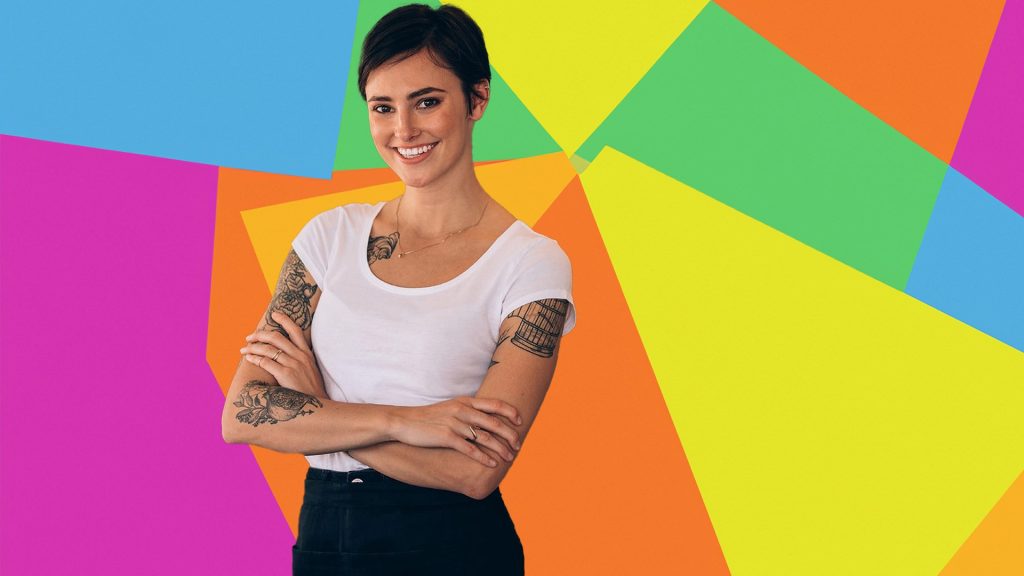
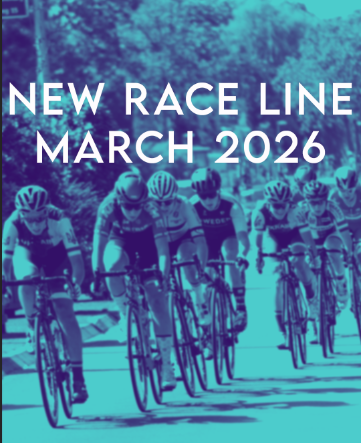
As part of our practical exercises, we created original branded content images for well-known companies to strengthen our visual design and branding skills. I chose Under Armour and Bose, developing custom graphics that aligned with each brand’s identity and target audience. For Under Armour, I focused on visuals that reflected athletic performance and motivation, using strong typography and dynamic imagery.
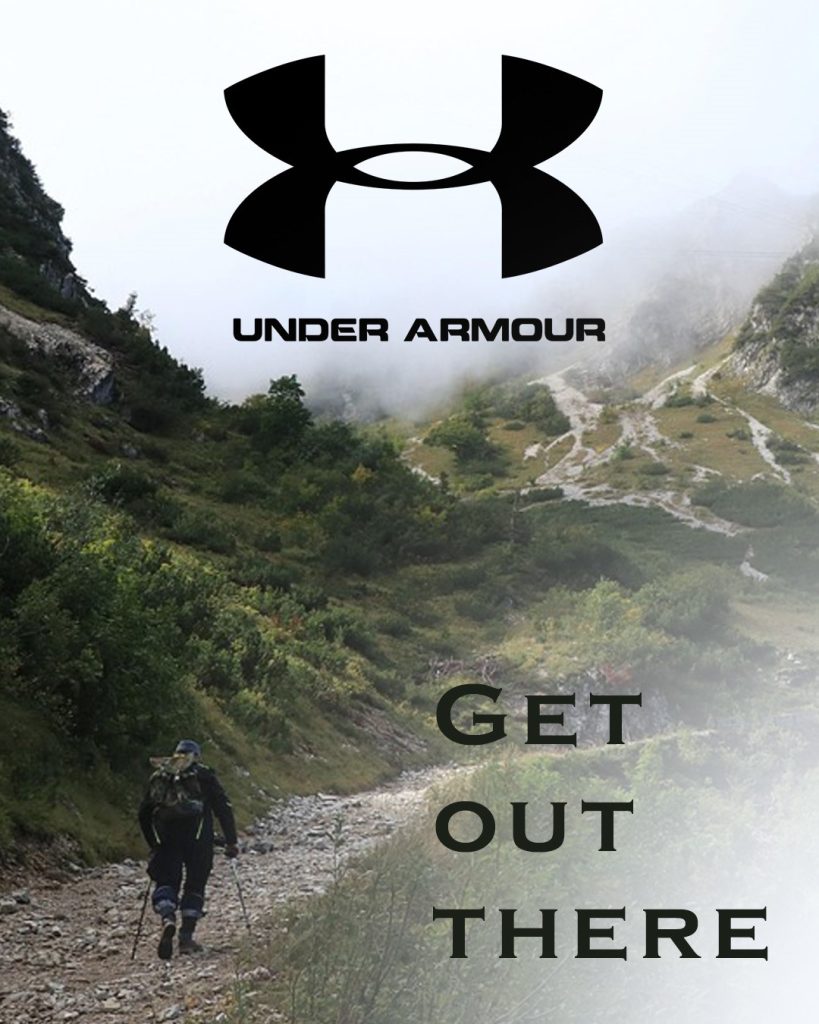
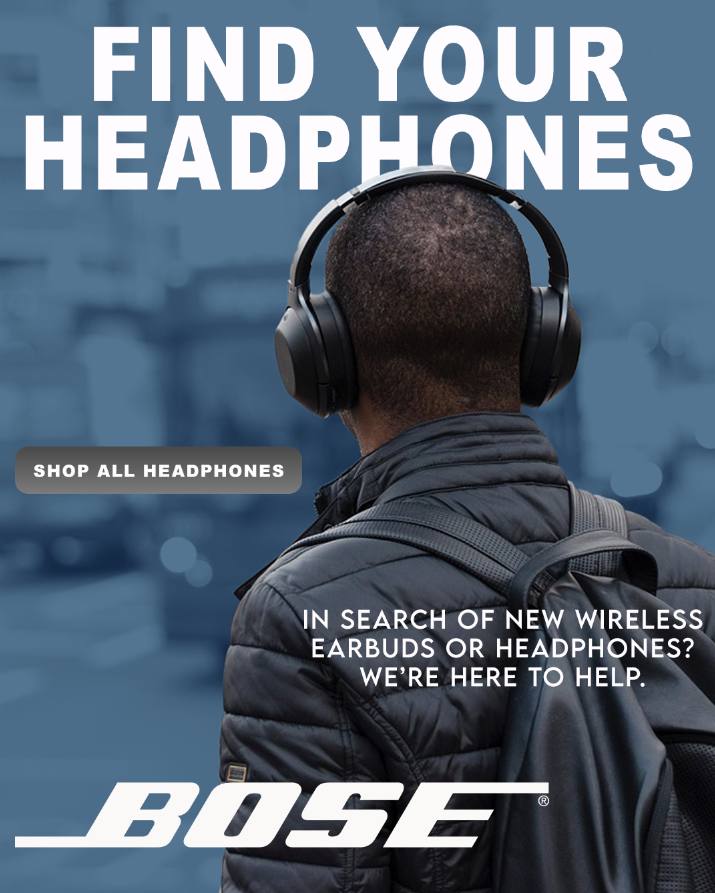
For Bose, I took a more sleek and modern approach, emphasizing clarity, sound quality, and minimalist design to reflect the brand’s premium audio products. This task helped me better understand brand consistency, visual storytelling, and how to create compelling content that supports a brand’s message and market presence.
By the end of the unit we got to flex some of our skills and it was quite fun to just see what photoshop is capable of doing.